Why this roof generator stands out
A short look at what makes this Blender roof generator different: accurate architectural shapes built from a simple footprint, ready to drop straight into an archviz scene.
Why manual roof modelling is painful
Roofs are one of the least glamorous parts of any architectural visualisation. Once the walls and windows are in place, you still face a stack of hips, valleys, ridges and eaves that all have to meet cleanly. Modelling those by hand in Blender means a slow loop of edge selection, extrusion and patching until the geometry behaves itself.
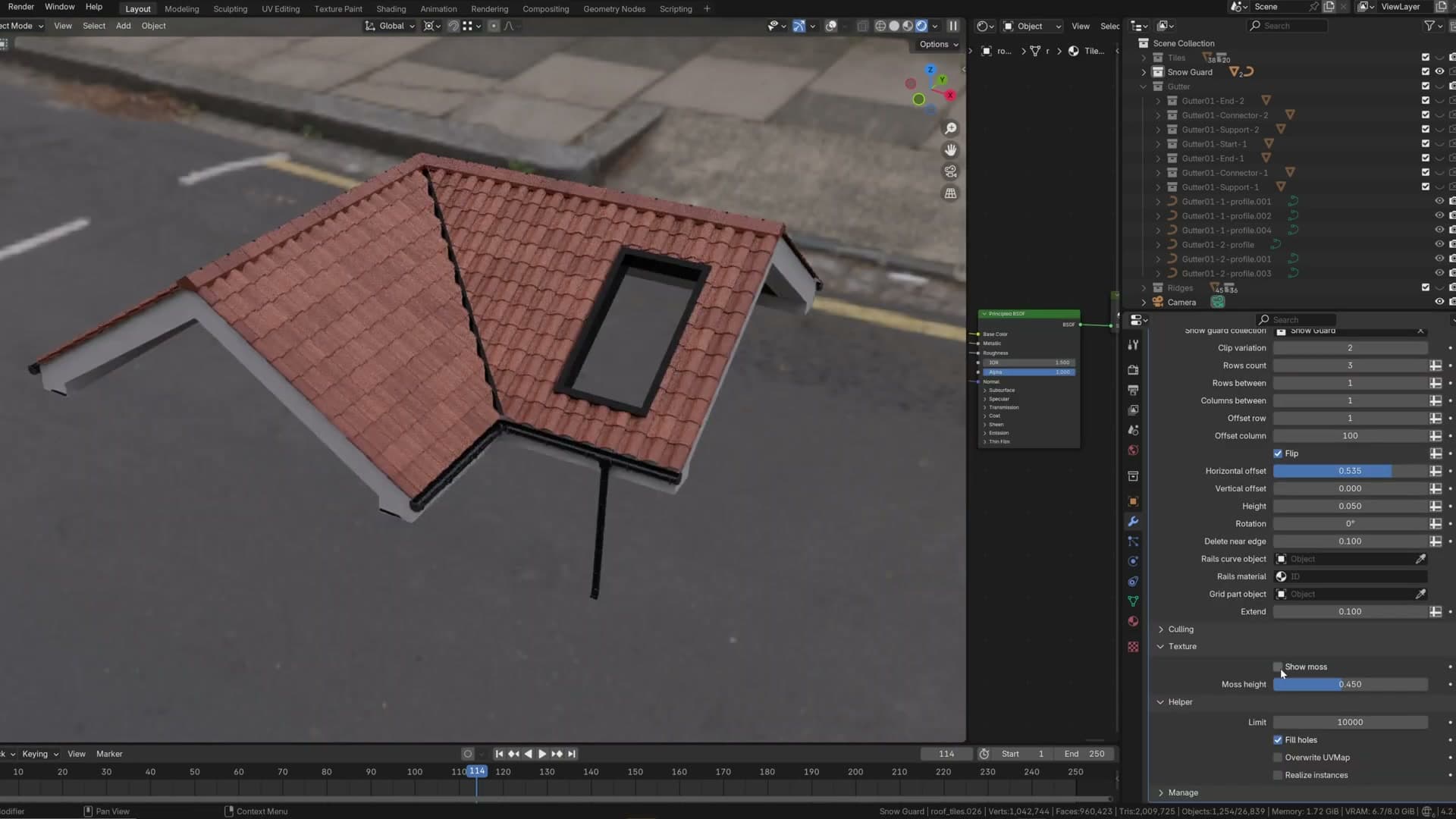
This video opens with a single demonstration: a roof being produced procedurally inside Blender by a dedicated generator, set against the kind of result you would normally spend a long stretch of manual modelling to achieve. The pitch is that you should not have to keep doing that work by hand for every project.
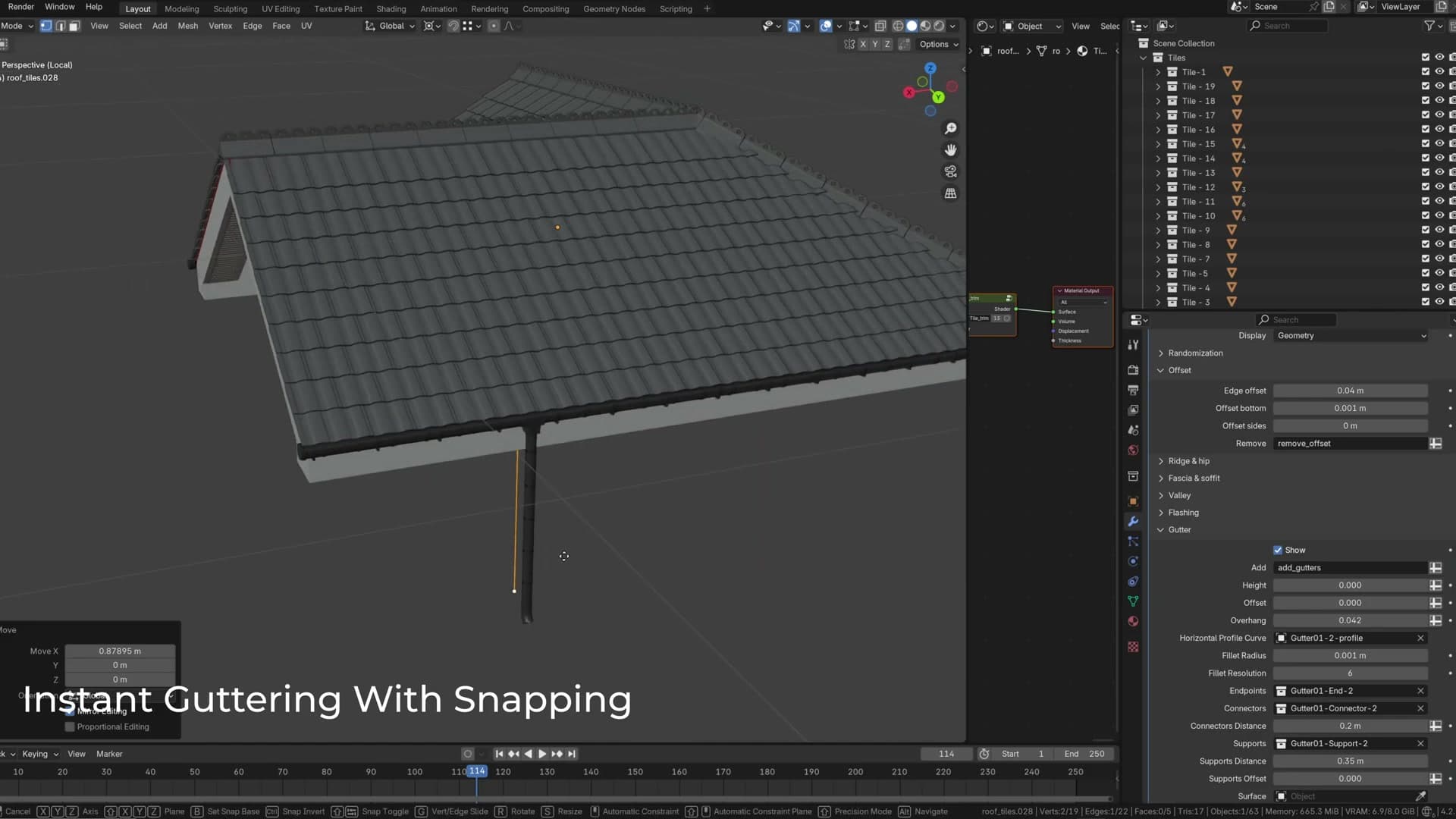
Generating an accurate roof from a footprint
The core idea shown on screen is straightforward: you start from a building footprint (the flat outline of the floor plan) and the generator builds the roof geometry on top of it. Instead of authoring every ridge and hip yourself, you describe the shape of the building and let the tool work out where the planes have to meet.
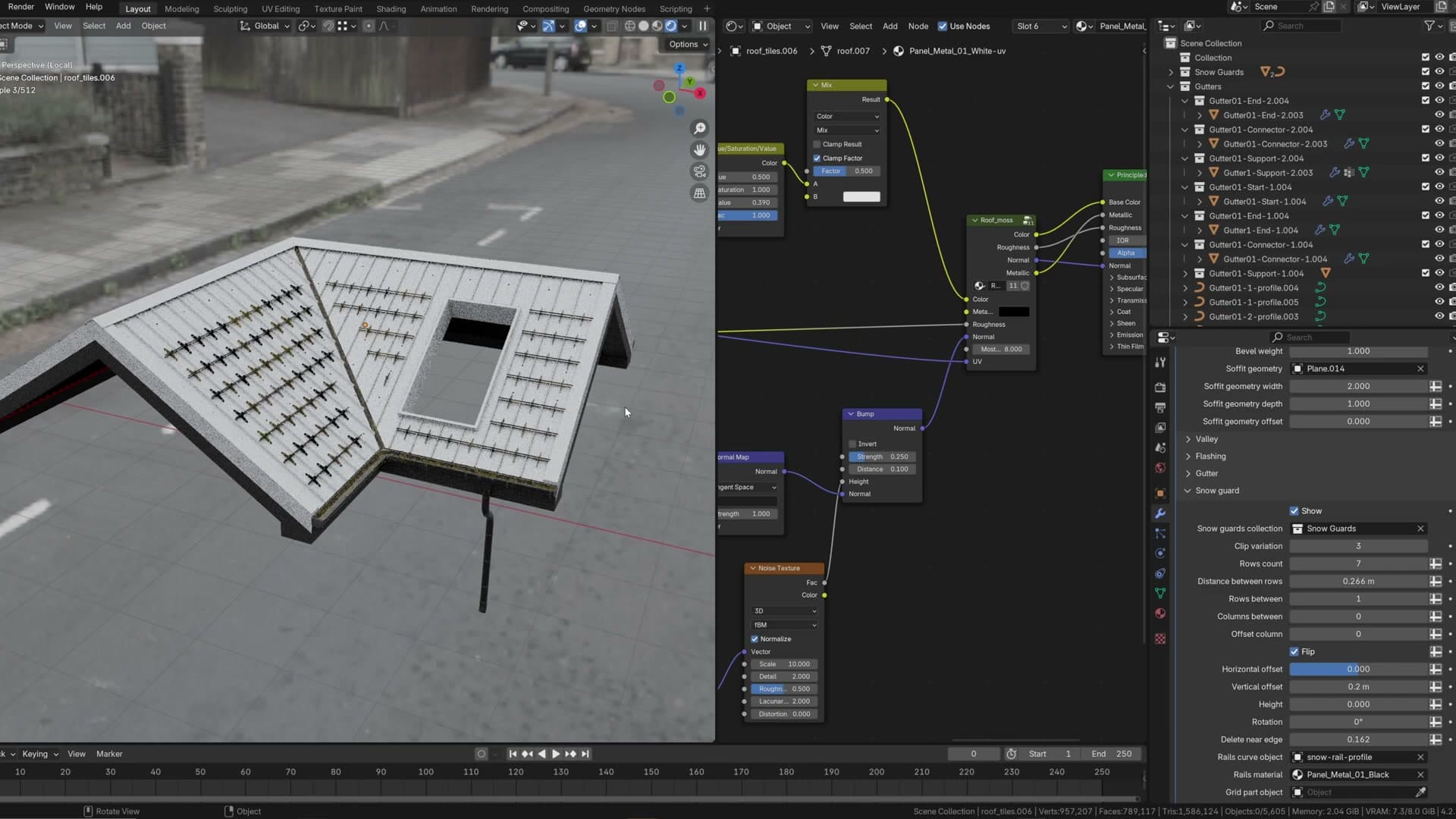
Because the roof is driven by that underlying footprint, reshaping the floor plan reshapes the roof. That makes it well suited to the iterative phase of an archviz project, where the building outline is still moving while you block out the rest of the scene.
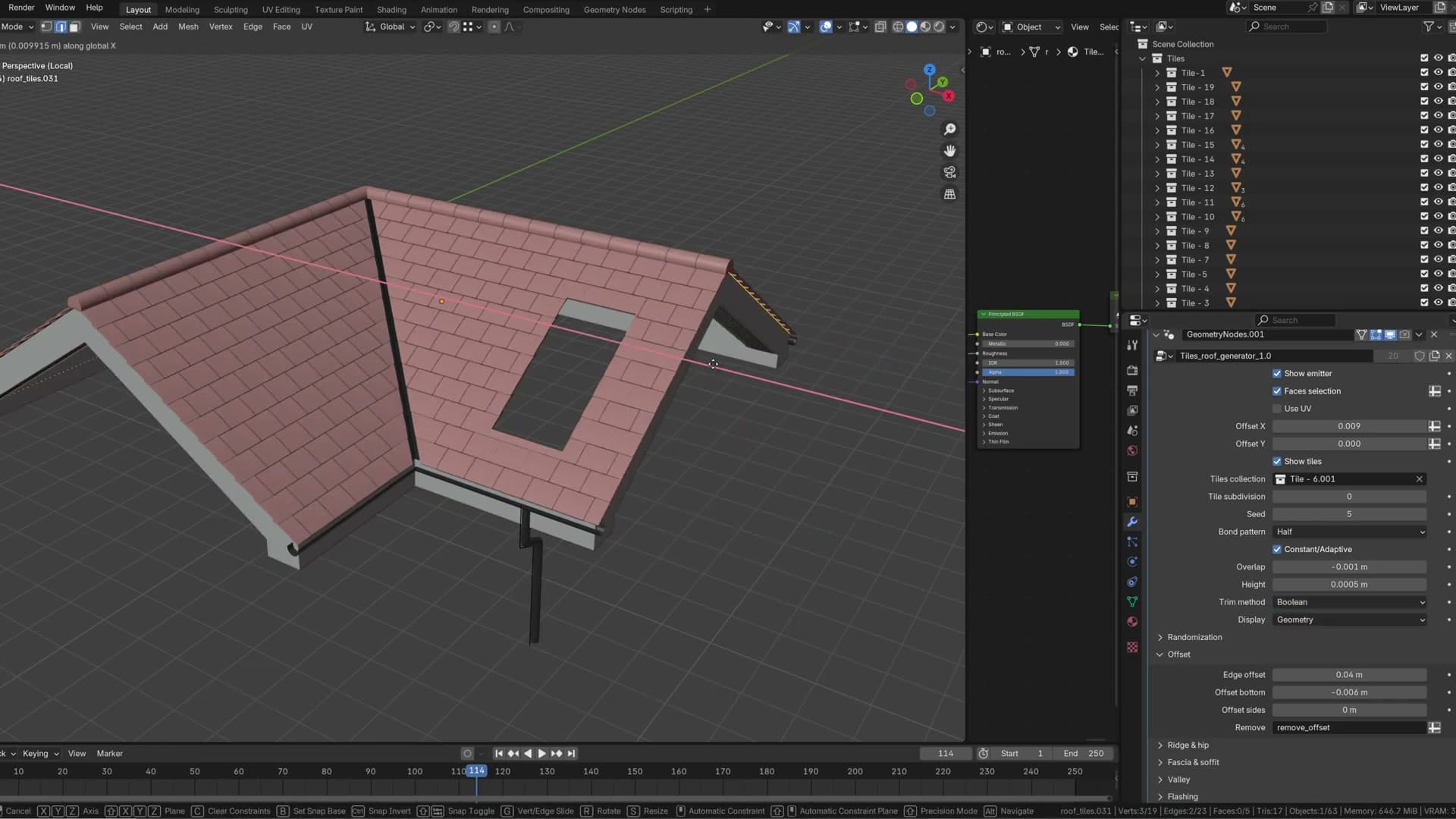
The result shown in the clip is standard Blender mesh geometry, which means it slots into the rest of an archviz pipeline without any special setup. You can apply tile or shingle materials, light it and render it the same way you would any other modelled roof.
Tools and credits
Everything mentioned in this tutorial, with links.
- Blender (the renderer this entire build runs in).
- iMeshh : studio platform covering project management, client review, asset library and invoicing. The asset library used in this tutorial is included with every iMeshh Pro plan.
- Poly Haven (free CC0 textures and HDRIs).
Pillar guide: Modelling hub · Get the Roof Generator